


Users can personalize their Hiring Manager Experience using the features of the UserWay® Accessibility widget. This widget gives users the ability to adjust accessibility features and functionality to accommodate a variety of common disability profiles and to tailor settings to their personal preferences. The widget conforms with the latest Web Content Accessibility Guidelines (WCAG Level A and AA) and other global standards.
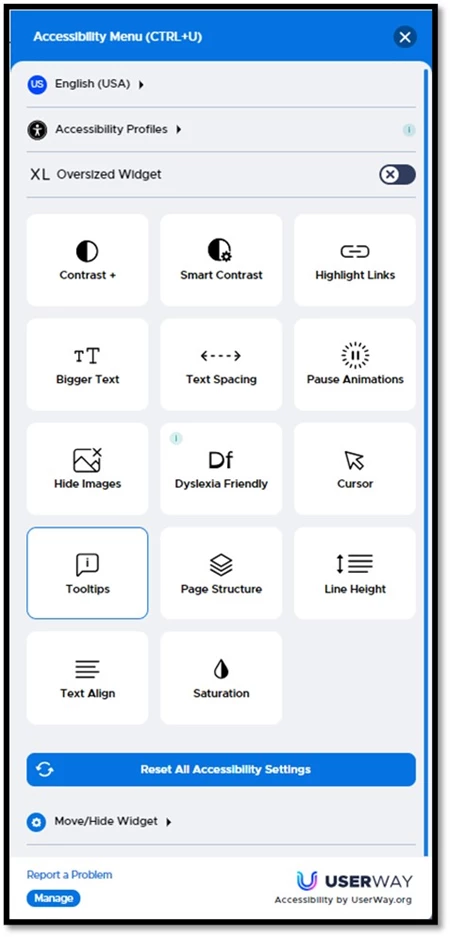
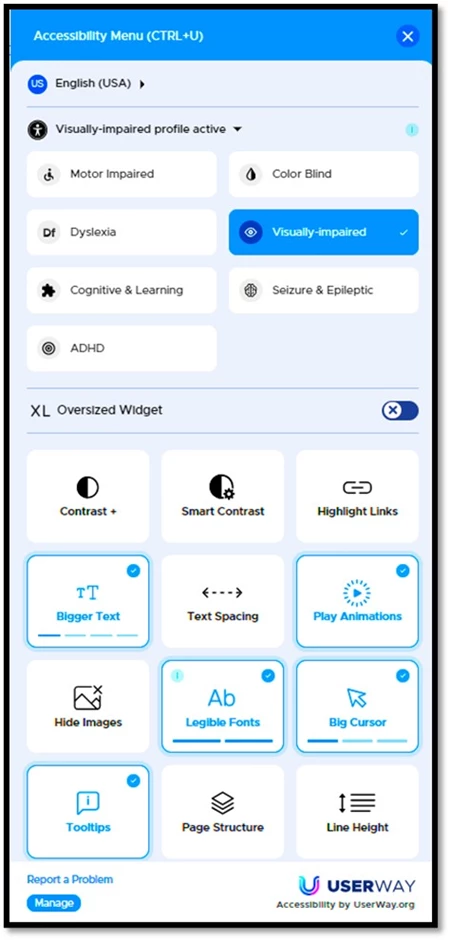
The widget’s Home screen is displayed below on the left. It includes the option to select the language of choice in addition to other accessibility settings. The image on the right displays how the widget highlights options associated with a specific Accessibility Profile, in this instance those for Visually impaired.
|
|
|
To adjust the widget’s settings to meet your specific preferences follow the instructions below:
- Access the Widget Settings:
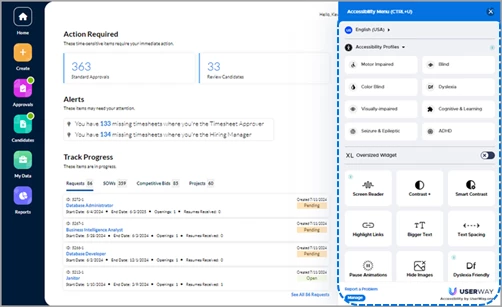
- Click the widget icon located in the lower right-hand corner of your HMX screen to open the slide-out panel.
- Click the X button located in the upper right corner of the slide-out panel to close the widget once you have made and saved your selections.
- Explore Available Options:
- Review the widget menu to become familiar with the various accessibility features and options.
- Explore the available functions, such as text resizing, contrast adjustments, keyboard navigation, and more.
- Customize Features:
- Enable or disable specific features based on your preferences.
- Adjust settings like font size, color contrast, and navigation shortcuts.
- Reorder or hide certain features.
- Save Changes:
- Be sure to save your changes once you’ve customized the widget. The widget will now reflect your preferred settings across the application.
- Please note: your selections are saved to your internet browser and not to the Beeline Enterprise application. If you use different browsers to access Beeline Enterprise, you may need to repeat your widget settings.
| Persona | Modules | Article Posted | Feedback? Email us: |
| All users | Cross-platform | Beeline Enterprise | Feb 2026 |